Shrink Any File,
Not Quality.
Compress photos, videos and PDFs — or bundle anything into a ZIP. Everything runs on your device, and your files are never uploaded.
One app for every file you need smaller.
Photos, videos, PDFs and ZIP archives — handled on-device, without a single upload.
Photo Compression
- Compress a single photo or hundreds in bulk
- Live before/after preview while you set quality
- Resize presets for social media and web
- Convert HEIC, PNG or WebP to JPG in one tap
- Target size (“under 1 MB”) and crop to any ratio
Video Compression
- Shrink videos to a fraction of their size
- Three quality levels with estimated output size
- Progress bar and cancel support for long videos
- Rotation and orientation always preserved
- Turn any clip into a looping GIF
PDF Compression
- Scanned and image-heavy PDFs shrink dramatically
- Original page dimensions kept — no added margins
- Already-optimized files are detected, not inflated
- Share or save the result in one tap
ZIP Tools
- Bundle photos, videos and documents into one ZIP
- Open ZIP archives and extract all or selected files
- Save extracted media straight to your gallery
- Works with files from your gallery or Files app
Everything you need. Nothing you don't.
Smart compression that works entirely on your device. No internet required, no uploads.
Smart Compression
Bulk Processing
Format Freedom
Files Stay on Your Device
Free Up Real Space
Share From Any App
Drag the line. Judge for yourself.
This photo is compressed hard on purpose, so you can see what changes. In the app you choose the quality and check the same before/after view before you save.
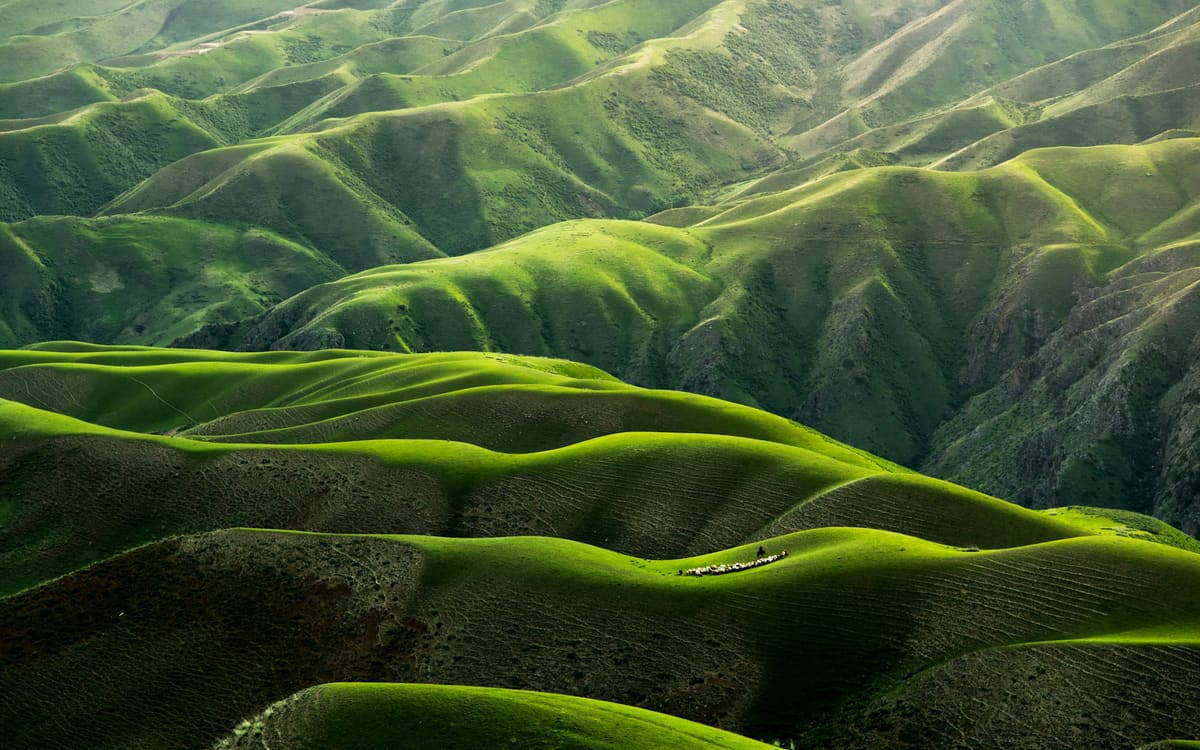

You see the result before you save.
Start free. Go unlimited.
5 operations per day, free forever. Upgrade for unlimited use plus target size, crop, video to GIF, sharing from other apps and deleting originals.
Prices are shown in your local currency in the App Store before you buy.
Questions, answered.
Is SnapSlim free?
Yes. SnapSlim is free to download and gives you 5 operations a day on every file type, with JPG and PNG output and up to 3 photos per bulk batch. Premium removes the limits and ads, and unlocks WebP and GIF output, target size, crop, video to GIF, opening files from other apps and deleting originals.
Are my files uploaded to a server?
No. Every photo, video, PDF and ZIP is processed on your iPhone or iPad. SnapSlim has no servers of its own, and compression works without an internet connection.
Which file types can SnapSlim compress?
Photos in JPG, PNG, WebP, HEIC and GIF; videos, saved as MP4 with H.264 video and AAC audio; PDF documents; and ZIP archives, which you can create or extract.
Will my photos lose quality?
You set the quality with a slider and see a live before/after preview. At the default setting (80) most photos stay close to the original while taking up less space.
How do I free up storage on my iPhone with SnapSlim?
Compress your photos or videos, keep the smaller copy and delete the original in one tap (Premium). Deleted originals stay in Recently Deleted for 30 days, so you can still recover them.
Which devices does SnapSlim support?
SnapSlim runs on iPhone and iPad with iOS 15 or later. An Android version is not available yet.
How do I cancel my subscription?
Subscriptions renew automatically and are managed by Apple. You can cancel at any time in Settings → your name → Subscriptions, at least 24 hours before the current period ends. The Lifetime plan is a one-time purchase, so there is nothing to cancel.
Ready to compress?
Download SnapSlim and start saving space today.